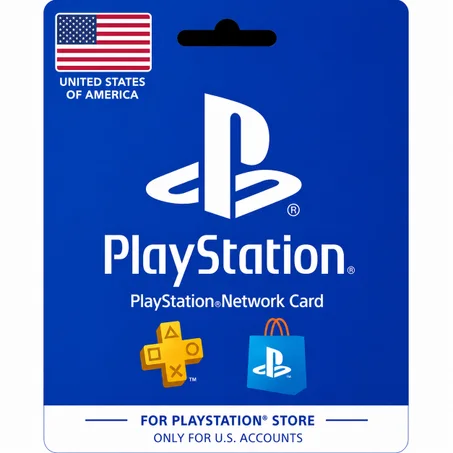
Every year, a huge number of PSN gift card orders go wrong for the same reason: the buyer picks a card for the wrong region. It's an easy mistake, because PSN doesn't just lock by continent — it locks by country, and the rule is stricter than most people expect.
PSN is country-locked, not just region-locked
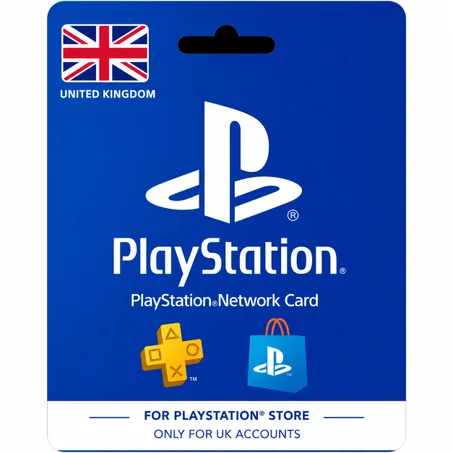
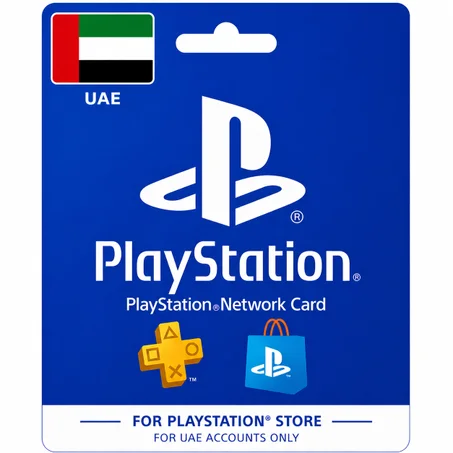
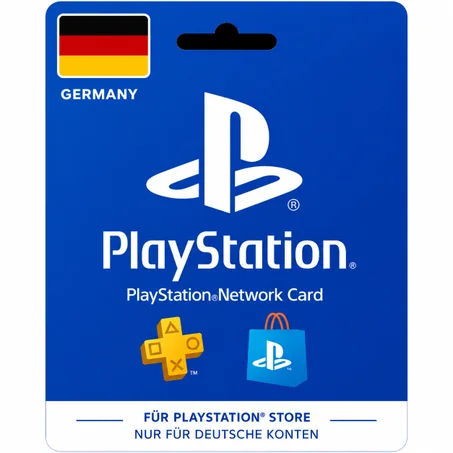
A PlayStation Network account is assigned a country the moment it's created, based on the details entered at sign-up. That country can't be changed freely later. A gift card is tied to the same system: a US card tops up a US account, a UK card tops up a UK account, and so on — there's no cross-country redemption, even between countries that share a currency or region.
How to check your account's region before you buy
- Sign in at store.playstation.com or open the PlayStation app.
- Open your profile / account settings.
- Look for "Account Information" — your country/region is listed there, set when the account was first created.
- Match that exact country to the card you're about to buy — not the country you currently live in, if they differ.
What happens if you redeem the wrong region by mistake
Sony does not reverse a redeemed code. Once a card's funds are added to a wallet, that's final — there's no support ticket that undoes it, regardless of how quickly you notice the mistake.

Comments